Operating System
Windows 10
Windows 11
Linux (with VM Ware)
Scanning Features
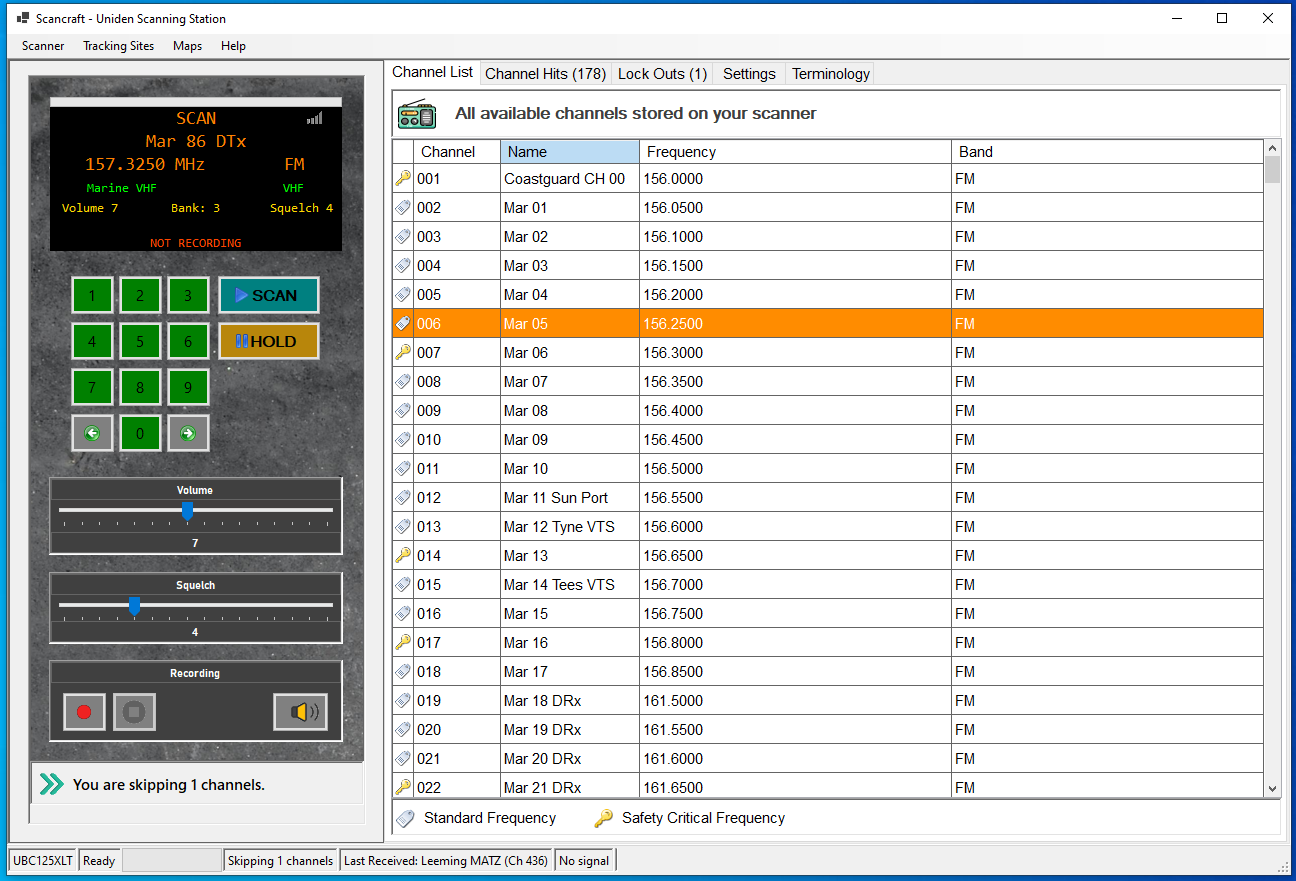
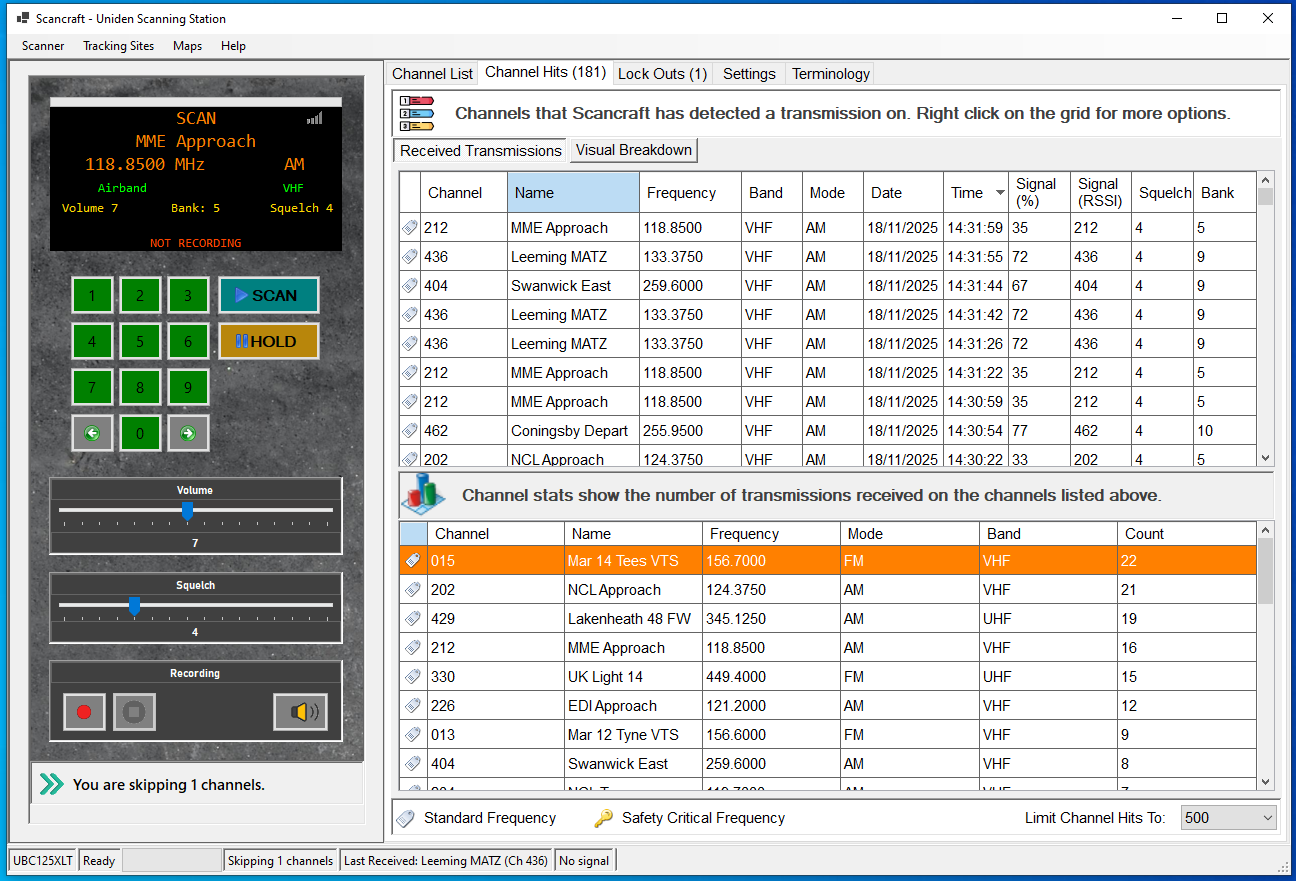
Scan
Hold
Hold After Receive
Frequency De-dupe
Frequency De-dupe
10 second Auto-scan
Channel Forward
Channel Back
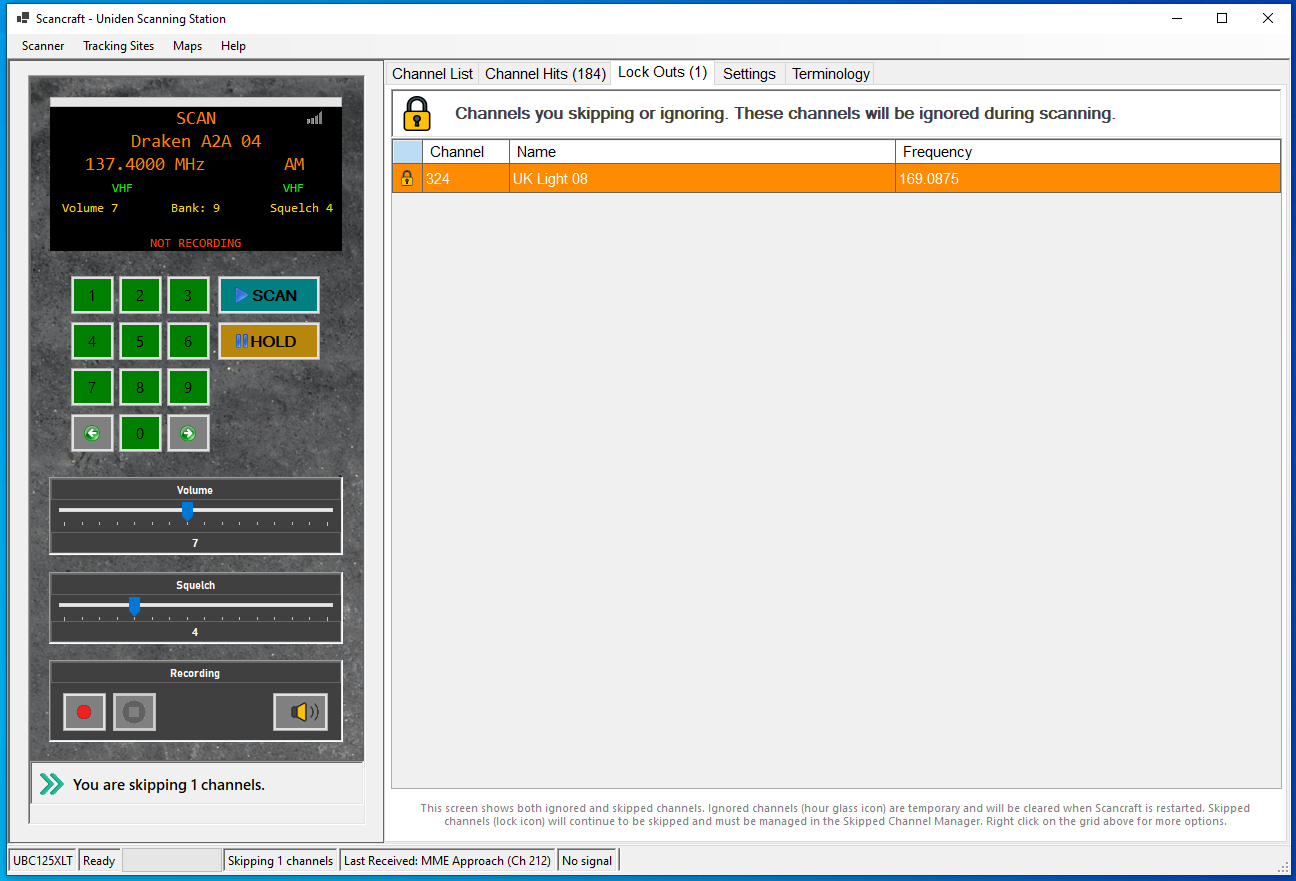
Skipped Channels
Read From Scanner
Write To Scanner
Lock On To Any Frequency
Program Scanner
Export Active Channels
Power Off
Instantly Query Frequencies
Auto Stop On Specific Channels
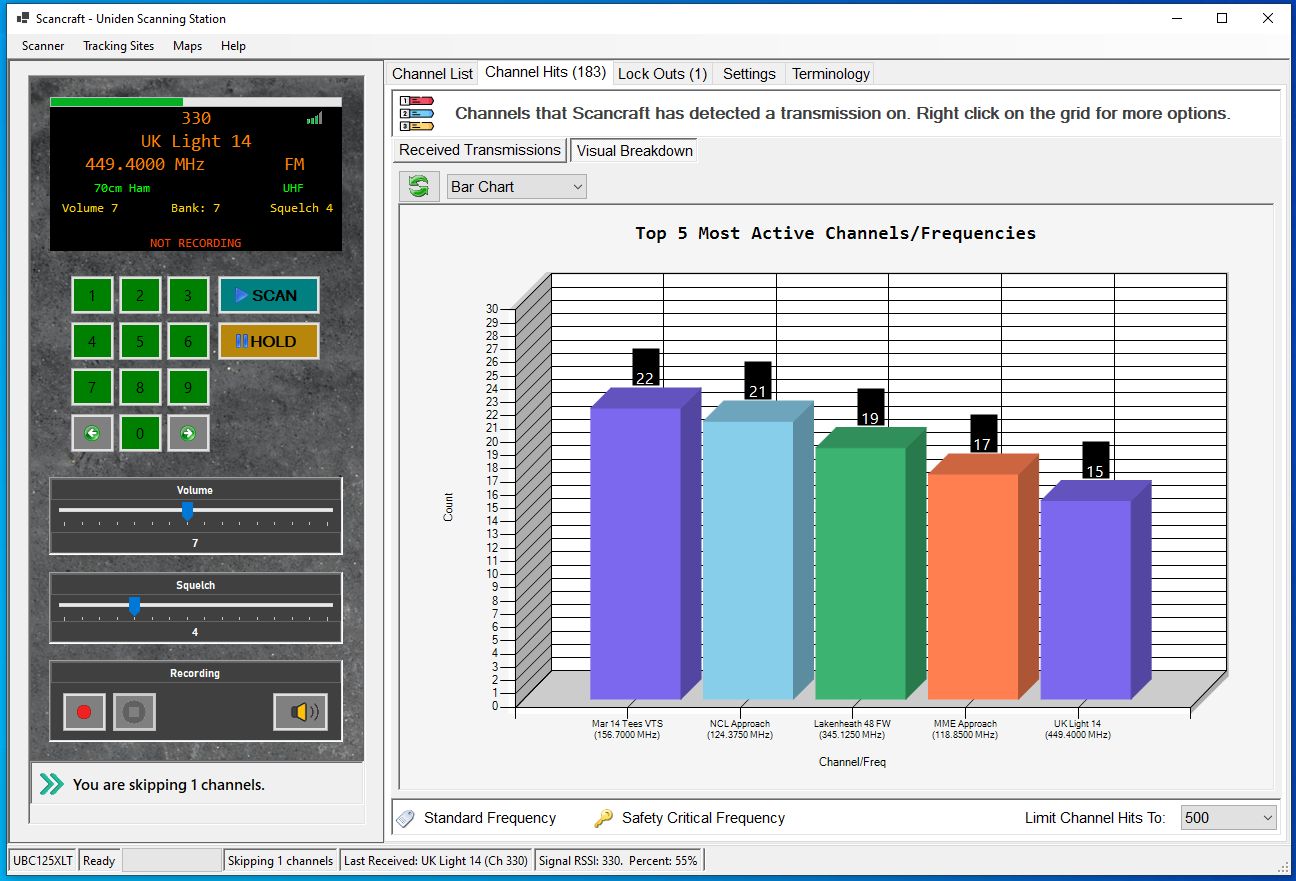
Track 500 Transmissions
Chart Top 5 Active Channels
Control Volume
Control Squelch
Included Terminology List
Update Changed Channels Only
See Bands And Modulation
Full Backup/Restore
Create Blank Channel Banks
Export/Share Channels With Others
Read Signal Strength
Store/Manage Related Useful URL's
Audio Recording
Record Specific Channel
Record All Channels
Pause On No Audio
Split Recordings
Set Bit Depths
Set Sample Rates
Choose Recording Location
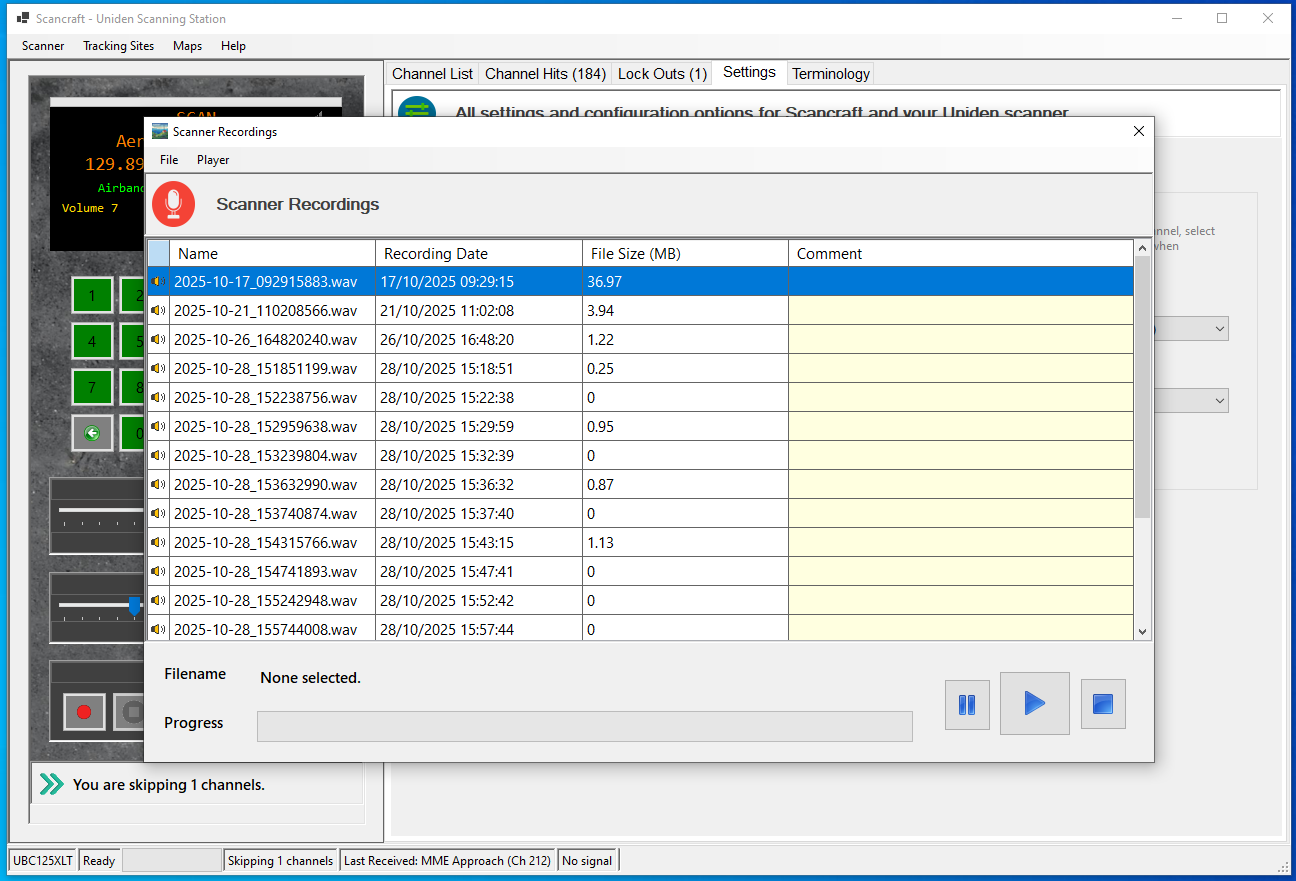
Manage Recording In Recording Manager